Input Localizable
An Input variation used in fields that can be translated into multiple languages.
Layout
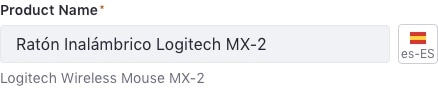
This component contains two elements:
- Input: a Text Input, Text Area, or Input Group (only specific cases).
- Localization Button: displays a Dropdown Menu to select a language.
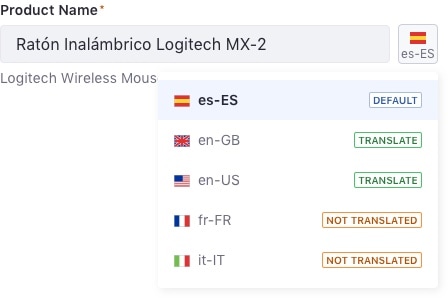
The Dropdown Menu must always contain these items in each entry:
- Country flag
- ISO 639-1 code
- Status:
- Default: the default language. It is always the first in the list.
- Translated: the user has provided a text that differs from the default input text.
- Not translated: the input text does not differ from the original text.
Interaction
The Localization Button only changes field content language. It does not change the title label or the help text language. The help text displays the default language text as a hint to the user.
This field is usually placed in a form with other localizable fields. Selecting a language in one of the localizable fields changes the language for all other fields.
Attributes

- Input
- Localizable button

Variations
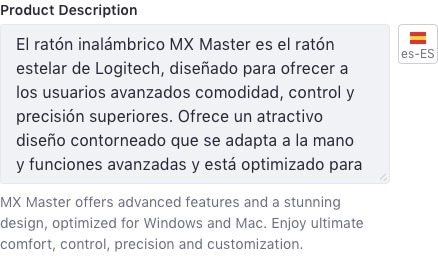
Text Area localizable
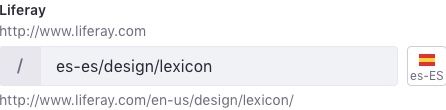
Input group localizable
A very common case in Liferay Portal is translating URL fields. This field is a clear combination of an input group and a localizable field.